 5d0c9ec7eb
Interactive Angular 19 demo for @sda/notification-elements-ui with
6 sections: Bell & Feed, Notification Center, Inbox, Comments &
Threads, Mention Input, and Full-Featured layout. Includes mock
data, dark mode toggle, and real-time event log.

Co-Authored-By: Claude Opus 4.6 <noreply@anthropic.com>
2.0 KiB
2.0 KiB
@inquirer/confirm
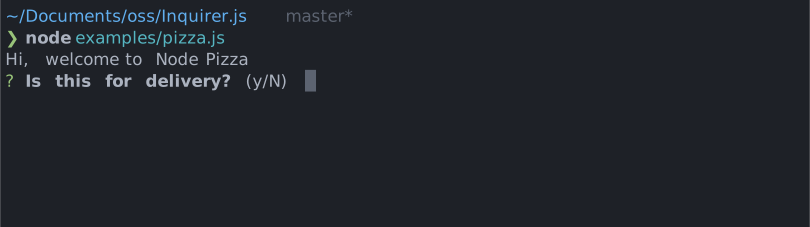
Simple interactive command line prompt to gather boolean input from users.
Installation
| npm | yarn |
|---|---|
|
|
| Or | |
|
|
Usage
import { confirm } from '@inquirer/prompts';
// Or
// import confirm from '@inquirer/confirm';

const answer = await confirm({ message: 'Continue?' });
Options
| Property | Type | Required | Description |
|---|---|---|---|
| message | string |
yes | The question to ask |
| default | boolean |
no | Default answer (true or false) |
| transformer | (boolean) => string |
no | Transform the prompt printed message to a custom string |
| theme | See Theming | no | Customize look of the prompt. |
Theming
You can theme a prompt by passing a theme object option. The theme object only need to includes the keys you wish to modify, we'll fallback on the defaults for the rest.
type Theme = {
  prefix: string | { idle: string; done: string };
  spinner: {
    interval: number;
    frames: string[];
  };
  style: {
    answer: (text: string) => string;
    message: (text: string, status: 'idle' | 'done' | 'loading') => string;
    defaultAnswer: (text: string) => string;
  };
};
License
Copyright (c) 2023 Simon Boudrias (twitter: @vaxilart)
Licensed under the MIT license.